The short answer
You keep your business number with an AI receptionist by forwarding calls to it. Unconditional forwarding sends every call to the agent; conditional forwarding sends only calls nobody answers, calls that arrive while the line is busy, or calls after hours. Set it up in your carrier account or phone system, then test every path from an outside phone.
Key takeaways
- Forwarding leaves your number with your current carrier and only redirects calls, so nothing printed on your vans, cards or listings changes.
- Conditional forwarding on no answer and busy lets your team answer first while the agent catches the rest.
- Forwarding codes and settings vary by carrier and phone system, so follow your own provider's instructions.
- Never let the agent transfer calls to a number that forwards back to the agent, or you create a loop.
- Test every forwarding condition, and check that the caller's number comes through rather than your own.
Call forwarding to an AI receptionist is how most businesses add one without changing anything customers see. Your number stays on your website, your trucks and your listings; your carrier or phone system simply sends some or all calls on to the agent. This guide explains the forwarding types, how to set them up, when porting makes more sense and how to test everything before real customers ring.
Can you keep your business number with an AI receptionist?
Yes. In most cases you keep your existing number and set up call forwarding, so calls to that number ring through to the AI receptionist. The number stays with your current carrier, your phone bill doesn't move, and callers keep dialing the number they already know. Signs, cards and directory listings need no changes at all.
This is how Calldone works by default: calls from your existing number are forwarded to your agent. It works with your existing phone setup in most cases, including carriers and business phone systems built on Twilio, Vonage, Telnyx or SIP trunks, and our team confirms the details during setup.
How does call forwarding to an AI receptionist work?
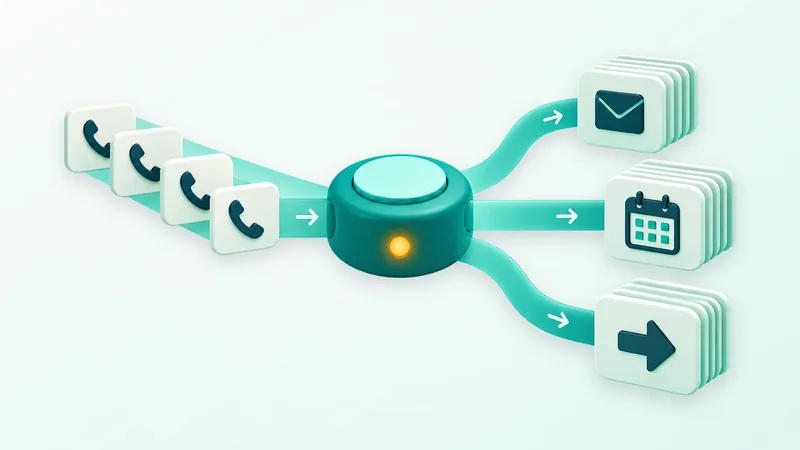
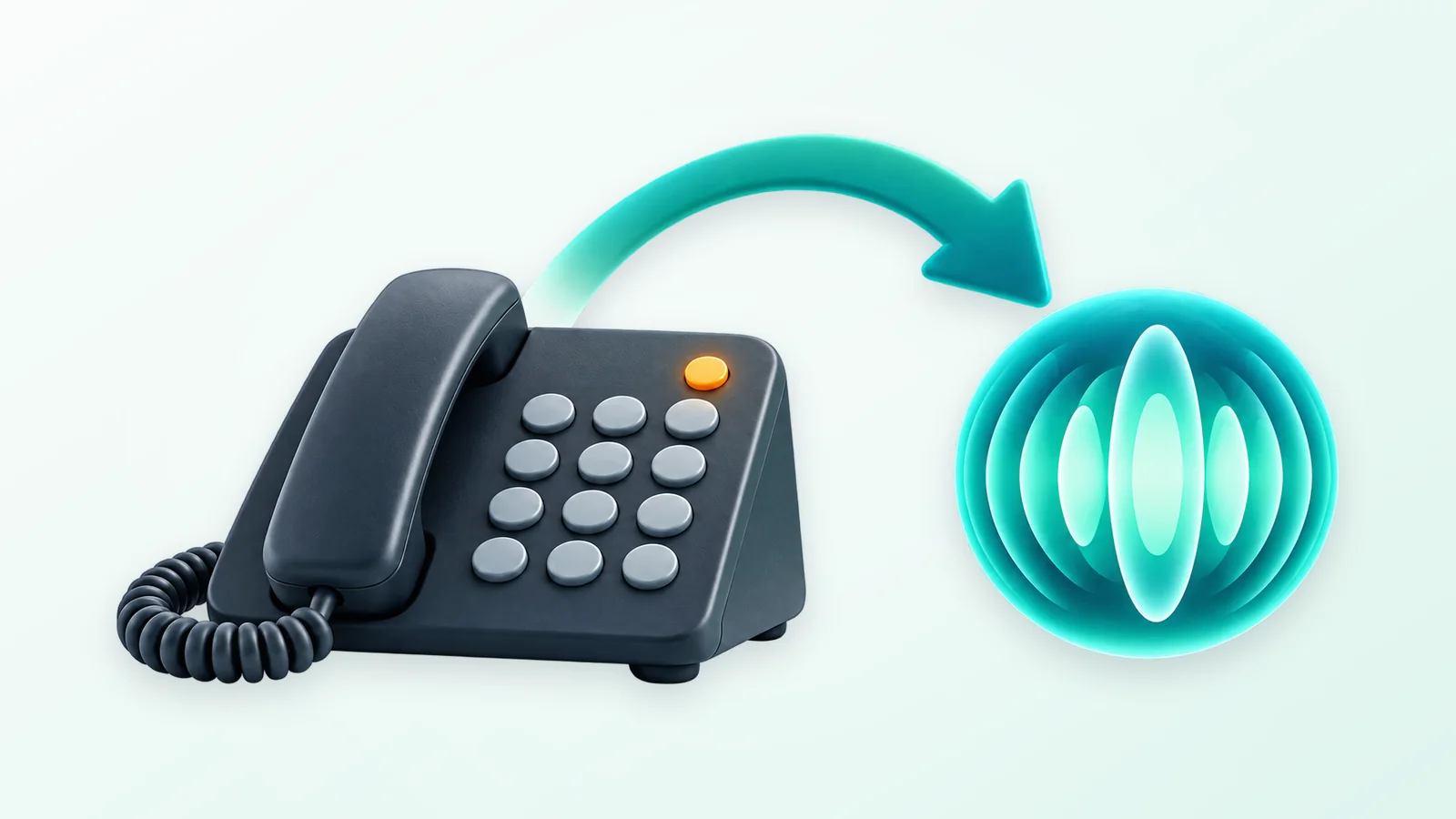
Call forwarding tells your carrier or phone system to send incoming calls to a different number, here the number your AI receptionist answers on. The caller dials your usual number, the network redirects the call and the agent picks up. When a call needs a person, the agent can transfer it to someone on your team, take a message or arrange a callback.
Two details are worth checking with your carrier first: whether forwarded calls use minutes on your own phone plan, and whether the original caller's number is passed along when a call is forwarded. The second one matters more than it sounds, and we come back to it below.
Unconditional vs conditional call forwarding
Forwarding comes in two families. Unconditional forwarding sends every call to the agent and your own phones stay silent. Conditional forwarding moves a call only when a condition is met, so your team still answers first.
| Forwarding type | What happens | Good for | Watch out for |
|---|---|---|---|
| Unconditional (all calls) | Every call goes straight to the agent | Making the agent the front door that answers and routes everything | Desk phones stop ringing, so transfers must reach people directly |
| No answer | Calls forward after a set number of rings | Overflow while staff are with customers | The ring time must be shorter than your voicemail timer |
| Busy | Calls forward when the line is already in use | Single-line offices and peak hours | Call waiting can stop it triggering, so test it |
| Unreachable | Calls forward when a mobile is off or out of signal | Owners who carry the business line on a cell phone | A carrier setting that not every plan offers |
| Time-based (after hours) | Calls forward on a schedule, such as evenings and weekends | Teams that answer by day and want cover at night | Usually needs a business phone system or a carrier add-on |
Which forwarding setup should you start with?
Most businesses should start with conditional forwarding on no answer and busy, or with after-hours forwarding, then widen it after reading a few weeks of transcripts. Your team still answers when it can, the agent catches what would have gone to voicemail, and you see how it handles real callers before handing it more.
Go straight to unconditional forwarding if you want the agent to greet every caller, for example so bookings and routing happen the same way every time. Many owners end up there after a trial. Our guides to after-hours answering and to reducing missed calls show where each mode fits in a wider coverage plan.
Setting up forwarding with your carrier or phone system
Where you change the setting depends on the kind of line you have:
- Mobile numbers. Most mobile carriers offer forwarding in the phone's call settings or through short dialing codes, often called star codes. Codes differ between carriers and sometimes between plans, so check your carrier's instructions.
- Traditional landlines. Forwarding is usually switched on with carrier dialing codes or in your online account. Conditional options such as no-answer forwarding may need adding to the line.
- VoIP and hosted business phone systems. Forwarding rules, ring groups and schedules live in the admin portal, which is usually the easiest place to set time-based routing.
- On-site PBX systems. Whoever maintains the system can add a forwarding rule or point a hunt group at the agent's number. Calldone has an onboarding flow for PBX setups.
Two settings cause most of the trouble: the ring time before no-answer forwarding kicks in, and carrier voicemail, which may grab the call first. If voicemail answers after four rings and forwarding waits for five, callers will never reach the agent.
How to switch on forwarding and test it
- 1
Choose the mode
Decide between all calls, no answer plus busy, or after hours, and write down which calls should reach which people.
- 2
Get the agent's number
Use the number your AI receptionist answers on. With Calldone, our team gives you this during setup.
- 3
Find your carrier's instructions
Look up the exact codes or portal steps for your carrier or phone system rather than generic codes from a forum.
- 4
Set the ring time
For no-answer forwarding, choose how long your team gets before the agent takes over, and make sure voicemail doesn't answer first.
- 5
Use transfer numbers that don't loop
When the agent hands a call to a person, it should ring a direct line or mobile that doesn't forward back to the agent.
- 6
Turn it on and test each path
Call from an outside phone, not your office line: let it ring out, call while the line is in use and call after hours.
- 7
Check the caller ID
Open the call record and confirm it shows the caller's number, not your own business number.
- 8
Write down the off switch
Note how to turn forwarding off so anyone on the team can do it quickly.
Will the AI receptionist see the caller's number?
Usually, yes. Most carriers and phone systems pass the original caller's number along when they forward a call, so the agent knows who is calling. Some setups swap it for your own business number, and then every call appears to come from you. Test this before going live, because the caller's number is what the agent uses to text confirmations and match callers to existing records.
If the number doesn't come through, the fix is usually a setting on your phone system or in how the forward is configured. Ask your carrier or phone-system administrator about caller ID passthrough on forwarded calls.
Porting vs forwarding: which should you choose?
Choose forwarding if you want to keep your current carrier and add an AI receptionist with little risk; choose porting only if you want to move the number itself to a different provider. Porting transfers the number between carriers and involves account details, authorization and a waiting period. Forwarding leaves everything where it is and can be switched off whenever you like.
| Forwarding | Porting | |
|---|---|---|
| What changes | Where calls are sent | Which carrier holds the number |
| Your current carrier | Stays the same | Replaced by the new provider |
| Paperwork | None beyond a setting | Account details, authorization and a PIN |
| Undoing it | Turn forwarding off | Port the number again |
| Risk during the change | Low, if you test before relying on it | Calls can be disrupted if account details don't match |
Forwarding is the route Calldone uses for keeping your number. If you are partway through a carrier change or thinking about porting for other reasons, mention it on your onboarding call so the timing can be planned around it.
When a dedicated number makes sense
Some businesses want a separate number for the agent: a new location, a campaign you want to track on its own, or a line only the AI handles. With Calldone, a dedicated number is a paid add-on, billed separately from your plan, and you can buy one from your dashboard at any time. Your main number keeps forwarding as before alongside it, and current plans are on the pricing page.
Troubleshooting common forwarding problems
- Calls reach voicemail instead of the agent. Voicemail answers before the forward triggers. Shorten the no-answer timer or switch off carrier voicemail.
- The agent can't text callers or recognize them. The caller's number isn't passing through. Ask your provider about caller ID on forwarded calls.
- Transfers ring forever or come back to the agent. The transfer number forwards to the agent. Use a direct line or a mobile that doesn't forward.
- It works from the office but not from outside. You tested from a line on the same system. Test from a mobile on cellular data or signal.
- Busy forwarding never triggers. The line offers call waiting instead of a busy signal. Turn call waiting off for that line or rely on no-answer forwarding.
For the rest of the launch, our step-by-step guide on how to set up an AI receptionist covers scripts, calendars and testing, and our AI receptionist guide explains what the agent does once calls arrive.
Keeping your number is the easy part. Pick the forwarding mode that matches how your team works, test each path once, and customers keep dialing the number they already have, with the agent ready whenever your team can't pick up.
Frequently asked questions
Do I need a new phone number for an AI receptionist?
No. Most businesses keep their existing number and forward calls to the AI receptionist, either every call or only unanswered, busy and after-hours ones. Callers keep dialing the number on your website and signs. A separate dedicated number is optional and useful for a new location or a campaign; with Calldone it is a paid add-on billed separately from the plan.
What is conditional call forwarding?
Conditional call forwarding sends a call to another number only when a condition is met: nobody answers within a set number of rings, the line is busy, or the phone is unreachable. Your team still gets the first chance to answer, and an AI receptionist catches calls that would otherwise reach voicemail. Availability and codes depend on your carrier and plan.
How do I forward my business calls to an AI receptionist?
Find the forwarding setting for your line, either in your carrier's online account, through dialing codes on a mobile or landline, or in your business phone system's admin portal. Enter the AI receptionist's number, choose all calls or conditional forwarding, then ring your number from an outside phone to test each path. Codes vary by carrier, so follow their instructions.
Will forwarding calls to an AI receptionist cost extra?
It can, depending on your phone plan. Some carriers count forwarded calls against your minutes or charge for the forwarded leg, while others include forwarding, so ask yours first. On the AI side, conversation time draws from your plan's included minutes; with Calldone, time beyond that bills at the plan's overage rate rather than cutting calls off.
Should I port my number or forward it?
Forward it if you want to keep your current carrier and add an AI receptionist quickly with minimal risk. Port it only if you want to move the number itself to a new provider for other reasons. Porting involves account details, authorization and a waiting period, while forwarding is a setting you can switch off whenever you like.
Can the AI receptionist transfer calls back to my office?
Yes, as long as the transfer goes to a number that doesn't forward back to the agent. Use a direct line, a mobile or a ring group that rings people, not the main number you forwarded. Set the rules for which calls should transfer, such as emergencies or requests for a person, and test a transfer before going live.
The Calldone Team
Editorial team
Calldone builds, deploys and manages AI voice agents that answer business calls, book appointments and qualify leads. We write about what we see running phone lines for small businesses.