The short answer
To set up an AI receptionist, map the calls you get, gather your business information, write rules for bookings and handoffs, choose a voice and language, connect your calendar or CRM, forward your number, test with realistic calls, then go live and read the first week of transcripts. Most of the work is information, not technology.
Key takeaways
- Setting up an AI receptionist is mostly an information job: services, hours, booking rules and handoff rules matter more than technical settings.
- Start from your real call history, not a guess at what callers ask.
- Write down exactly when the agent should transfer, take a message or book a callback, and what happens if nobody picks up.
- You can keep your existing number and forward calls to the agent, either every call or only the ones you miss.
- Test with awkward, realistic calls before launch, and read every transcript in the first week.
Learning how to set up an AI receptionist is mostly learning to write down how your front desk already works: what people call about, what a good answer sounds like, and when a call needs a person. The technical part, connecting a calendar and forwarding a phone number, is the smaller share of the job.
This guide walks through the full setup in eight steps, lists what to gather before you start, shows what Calldone's team handles and what your business supplies, and covers the mistakes that make a new agent sound unprepared on day one.
What to gather before you start
Setup moves faster when the raw material is ready. Before the first conversation with any provider, or before you open a self-serve tool, collect these:
- A week or two of call history from your phone system, with times and, if you have them, notes on what each call was about.
- Your services, with the prices or price ranges you are happy to say on the phone.
- Opening hours, holiday closures and service area.
- Your booking rules: appointment types, how long each takes, buffers and who can be booked for what.
- Policies callers ask about, such as cancellations, payment, warranties and parking.
- Names and numbers of the people who should receive transfers and messages, and when.
- Login or admin access for your calendar or CRM and for your phone provider.
- Three or four of the hardest calls your team has taken recently, described in a sentence each.
How do you set up an AI receptionist?
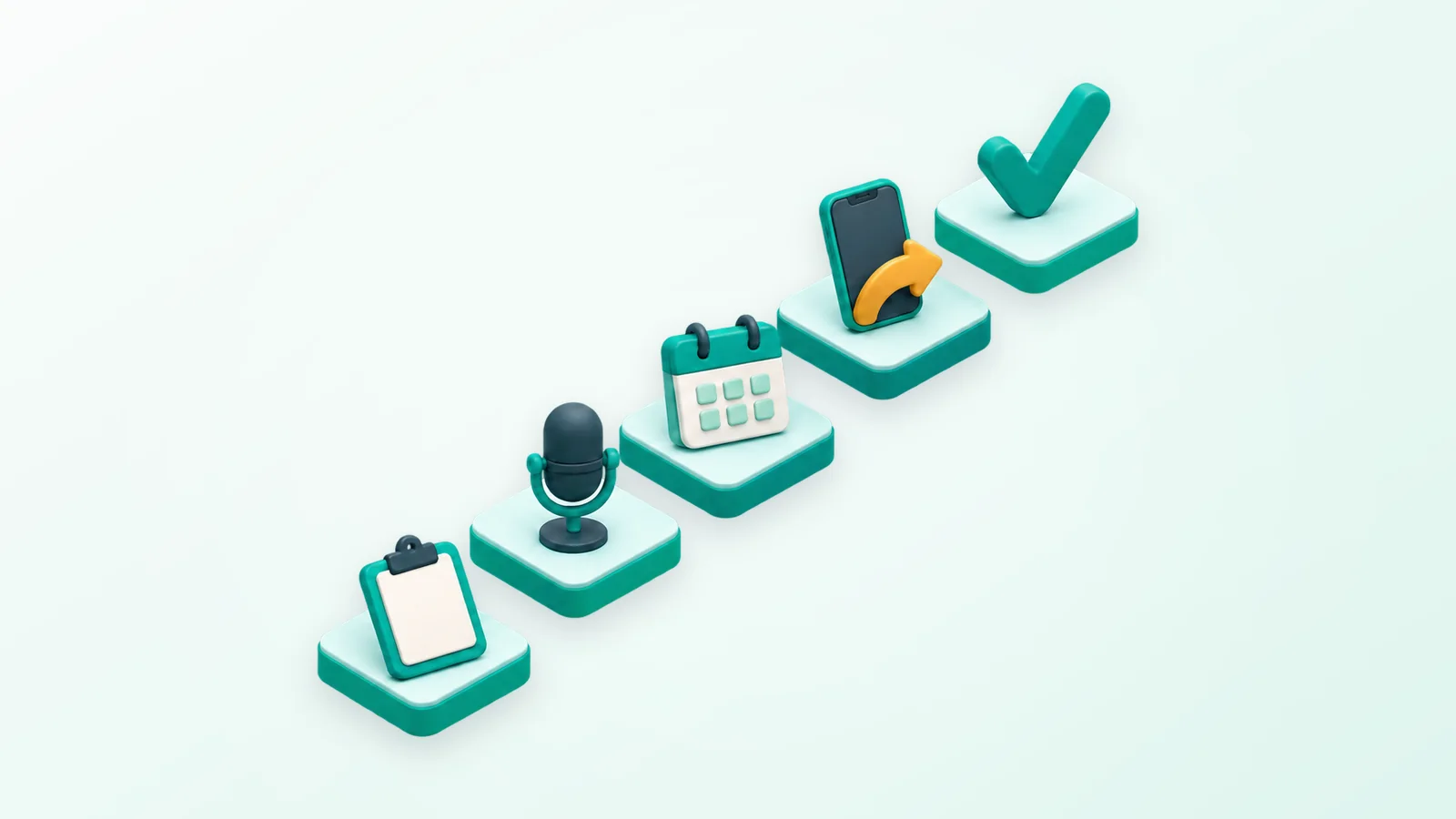
You set up an AI receptionist in eight steps: map your calls, gather your business information, write the call rules and handoffs, choose a voice and language, connect your calendar or CRM, set up call forwarding, test with real scenarios, then go live and review transcripts closely in the first week. Each step is below.
- 1
Map your calls
Go through your call history and sort calls into groups: new bookings, changes to existing bookings, questions about hours, prices or location, urgent problems, sales pitches and spam, and calls from suppliers. Note roughly how often each happens and what a good outcome looks like. A plumbing company might find its biggest groups are "can you come out today?", "how much is a water heater?" and "when is my tech arriving?" Those groups become the agent's job description.
- 2
Gather your business information
Write down what the agent needs to answer those calls: services, service area, prices or ranges, hours, policies, staff roles, address and parking. Use plain sentences, the way you would brief a new hire on day one. The agent can only say what it has been given, so anything missing becomes "let me take a message" instead of an answer. Flag anything that changes often, such as seasonal hours, so you remember to update it.
- 3
Write the call rules and handoffs
For each call group, decide what the agent does: answer and finish, book, take a message, schedule a callback or transfer to a person. Be specific about transfers, for example "emergencies and anyone who asks for a manager go to the on-call phone," and decide what happens if nobody picks up that transfer. List what the agent must never do, such as promising arrival times or quoting a job it hasn't seen. Our guide to writing prompts for voice agents goes deeper on wording.
- 4
Choose a voice and language
Pick a voice that fits how your business sounds: calm and measured for a law office, warm and quick for a busy salon. Decide on a short greeting that gets the caller talking fast. Then choose languages: pin the agent to one, or let it detect the caller's language from their first words. Voice quality varies by language, so listen in each one you plan to use. Our bilingual answering guide covers Spanish in detail.
- 5
Connect your calendar or CRM
If the agent books appointments, it needs live, two-way access to your availability so it never books over an existing appointment. Calldone connects to Google Calendar and to systems including GoHighLevel, Clio, Tebra and CureMD, and other tools can usually be connected through custom actions or webhooks, confirmed during setup. Set up appointment types, lengths and buffers in the calendar itself. Our AI appointment setter guide lists the booking rules worth settling first.
- 6
Set up call forwarding
Most businesses keep the number customers already know and forward calls to the agent. You can forward every call, or only calls you don't answer or that arrive after hours, depending on what your phone provider supports. Our guide to keeping your business number with an AI agent explains the forwarding options. Calldone works with your existing phone setup in most cases, which we confirm during setup; a separate new number is an optional paid add-on.
- 7
Test with real scenarios
Call the agent the way customers will, from a mobile, with background noise. Book something, move it, cancel it. Ask a question it hasn't been given. Interrupt it mid-sentence. Spell an awkward surname. Say "I want to talk to a person." Describe an emergency. Then have someone who didn't help build it make a few calls, because builders unconsciously ask the easy version. Fix what breaks and call again.
- 8
Go live and review transcripts in week one
Switch forwarding on, then read the transcripts every day for the first week and listen to a few recordings for tone. Look for wrong answers, missed handoffs, questions you never covered and callers who hung up early. Each fix is usually a sentence added to the agent's instructions. After the first week, a weekly skim is enough, plus an update whenever your hours, prices or services change.
What Calldone's team does and what you supply
Calldone is done for you: our team does the setup with you rather than handing you a blank configuration screen, and no technical skills are needed at any point. It starts with a short call to learn your business, your common call scenarios, your tone and your goals. Here is how the eight steps divide up:
| Step | What your business supplies | What Calldone's team does |
|---|---|---|
| Map your calls | Your common call types and goals, on a short kickoff call | Asks the questions and turns your answers into call scenarios |
| Business information | FAQs, services, hours and policies | Writes the agent's instructions and trains it on your FAQs |
| Call rules and handoffs | Who should get transfers, messages and callbacks | Builds those rules into the agent |
| Voice and language | Your preferences and approval | Picks and tunes the voice and tests it in your languages |
| Calendar or CRM | Access to the calendar or CRM you use | Connects it and checks bookings land correctly |
| Call forwarding | Access to your phone account, or someone who can change its forwarding settings | Confirms the setup works with your phone system |
| Testing | Test calls with the team | Tests the flow with you and adjusts it |
| After launch | Reviewing calls in your dashboard | Manages the agent, with support from a person on the team by email |
After testing, the agent goes live on a plan matched to your call volume; the options are on the pricing page. Every call then shows up in your dashboard with a recording, a transcript, a summary and the outcome.
How long does it take to set up an AI receptionist?
How long it takes to set up an AI receptionist depends mostly on how quickly you can supply your business details, call scripts and access to your calendar and phone accounts, not on the technology. That is true for Calldone too, which is why we don't promise a fixed number of days. Having the checklist above ready is the biggest thing you can do to shorten it.
Self-serve tools can get a basic agent answering quickly, but answering is not the same as answering well. The information work in steps one to three still has to happen, whoever does it.
Should the agent answer every call or only some?
Start with the calls you miss most. For many businesses that means after-hours calls or overflow when the team is busy, which lets you watch the agent on real calls without changing how daytime calls work. Once the transcripts look right, widening it to every call is a forwarding change, not a new project.
- After hours only: the lowest-risk start, and it covers the calls that usually go to voicemail.
- Overflow: the agent picks up when nobody at the office answers within a few rings.
- Every call: the agent answers first and transfers to your team when a call needs a person.
Common setup mistakes to avoid
Most problems in the first weeks trace back to a handful of choices made during setup:
- A long greeting. Callers want to start talking; a 20-second introduction loses them.
- Vague handoff rules. "Transfer important calls" means nothing to software. Name the situations.
- No plan when a transfer fails. If the on-call phone doesn't answer, the agent should take a message or book a callback, not leave the caller hanging.
- A calendar that doesn't match reality. If staff keep their real schedule elsewhere, the agent will book into gaps that aren't free.
- Testing only the happy path. Every agent handles "I'd like to book a cleaning." Test the caller who changes their mind twice.
- Not reading the transcripts. The first week of real calls is the best training material you will ever get.
After launch: keep it current
An AI receptionist is only as current as the information behind it. Add holiday hours before the holiday, tell it about new services the week you launch them, and remove staff who have left from the transfer list. If you want the bigger picture of what these agents can and can't do, our AI receptionist guide covers it.
Treat the first month as part of setup. The agent you have after thirty days of small fixes will sound noticeably more like your business than the one that answered its first call.
Frequently asked questions
How do I set up an AI receptionist for my business?
Start by listing the calls you get and what a good outcome is for each. Gather your services, hours, prices and policies, write rules for bookings and handoffs, choose a voice and language, connect your calendar or CRM, and forward your number to the agent. Test it with realistic calls, then go live and read every transcript in the first week.
How long does AI receptionist setup take?
It depends mostly on how quickly you supply your business details, call scripts and access to your calendar and phone accounts. The technology is rarely the slow part. With Calldone, the team handles the configuration and testing with you, and the timeline is set by how fast that information arrives, so it's worth gathering it before the first call.
Do I need technical skills to set up an AI receptionist?
Not with a managed service. With Calldone, the team configures the agent, tunes its voice, trains it on your FAQs, connects your calendar or CRM and tests it with you, so no technical skills are needed. Self-serve tools expect you to do that work yourself, usually through a settings dashboard, and developer platforms expect you to write code.
Can I keep my business phone number with an AI receptionist?
Yes, in most cases. You forward calls from your existing number to the AI receptionist, either every call or only the ones you miss or that arrive after hours. Callers keep dialing the number they already know. A new dedicated number is only needed if you want a separate line, and with Calldone that is a paid add-on.
What information does an AI receptionist need?
It needs what a new front-desk hire would need: your services and prices you are happy to quote, hours and holiday closures, service area, booking rules, common questions with good answers, policies such as cancellations, and clear rules for when to transfer a call, take a message or book a callback. Missing information turns into messages instead of answers.
How should I test an AI receptionist before going live?
Call it the way real customers will: from a mobile, with background noise, interrupting it and asking things it wasn't told. Book, reschedule and cancel an appointment, ask for a person and describe an emergency. Then have someone who didn't help build it make a few calls. Fix what goes wrong, call again, and only then switch on forwarding.
The Calldone Team
Editorial team
Calldone builds, deploys and manages AI voice agents that answer business calls, book appointments and qualify leads. We write about what we see running phone lines for small businesses.